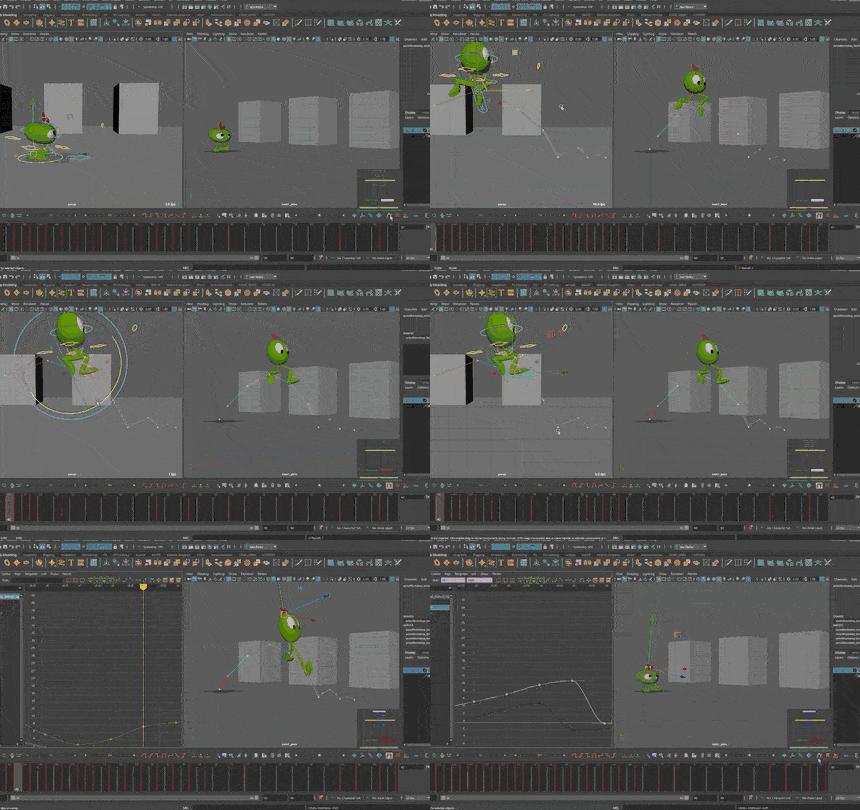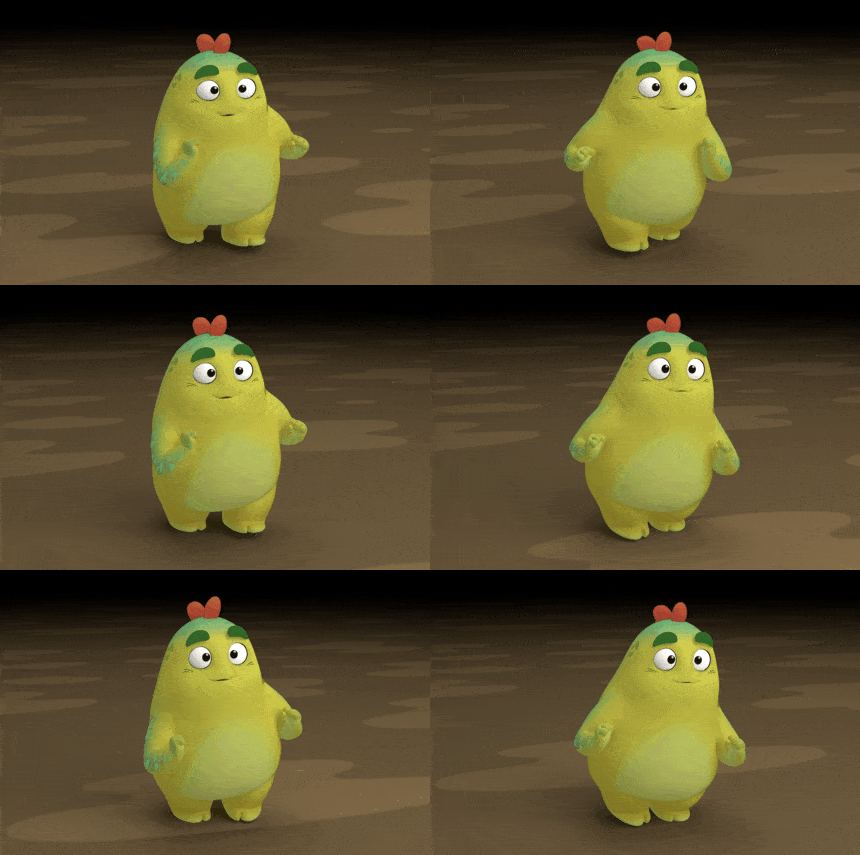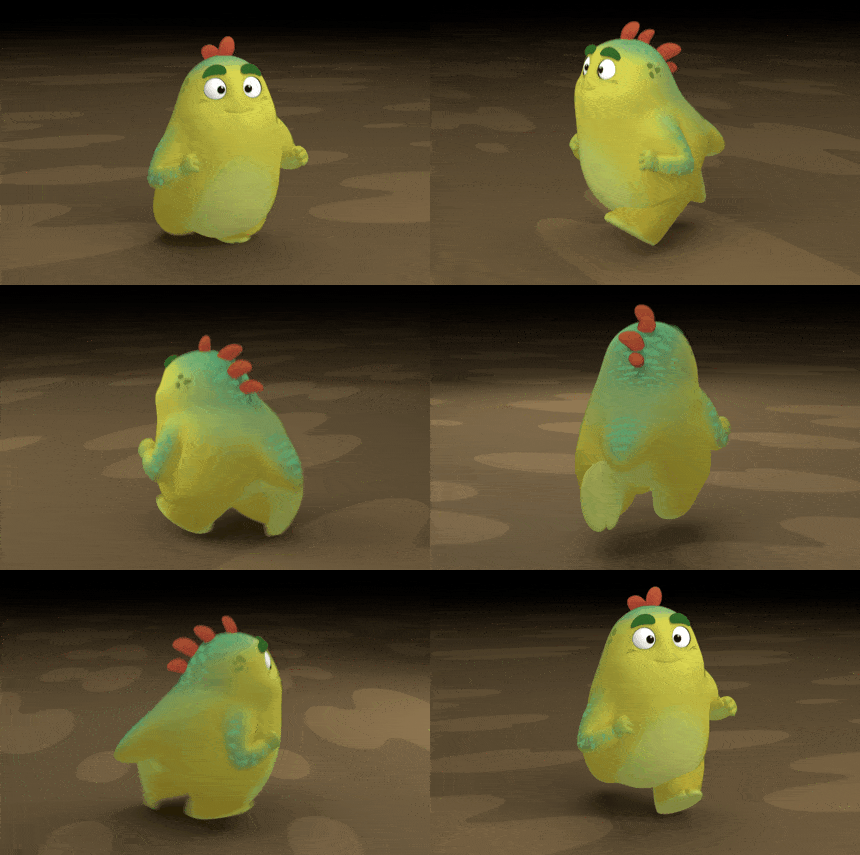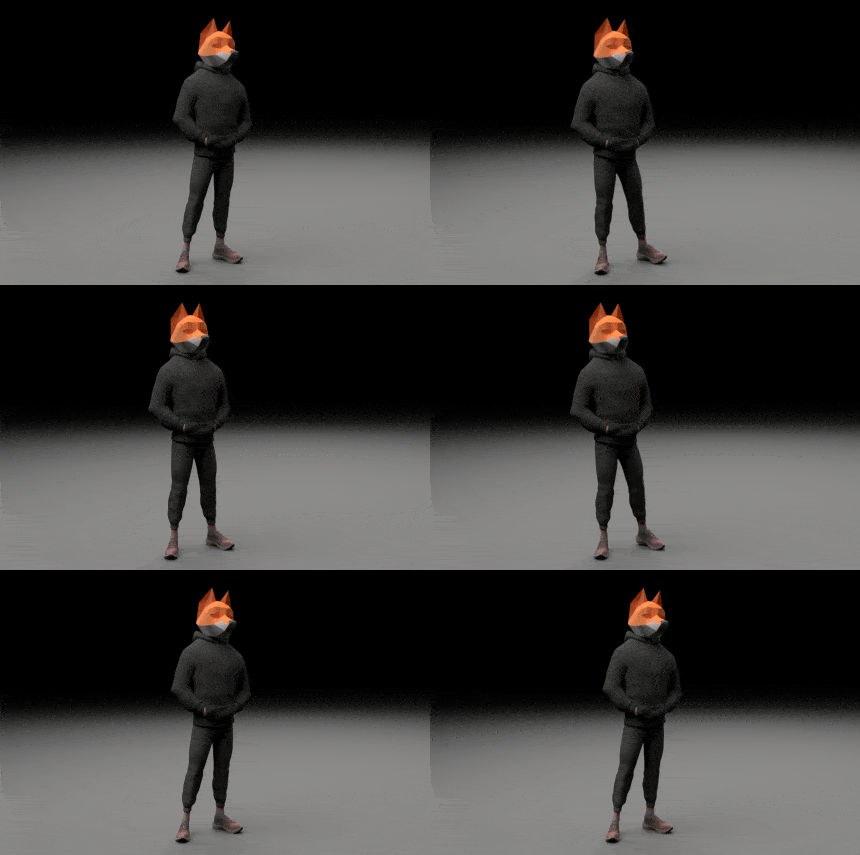
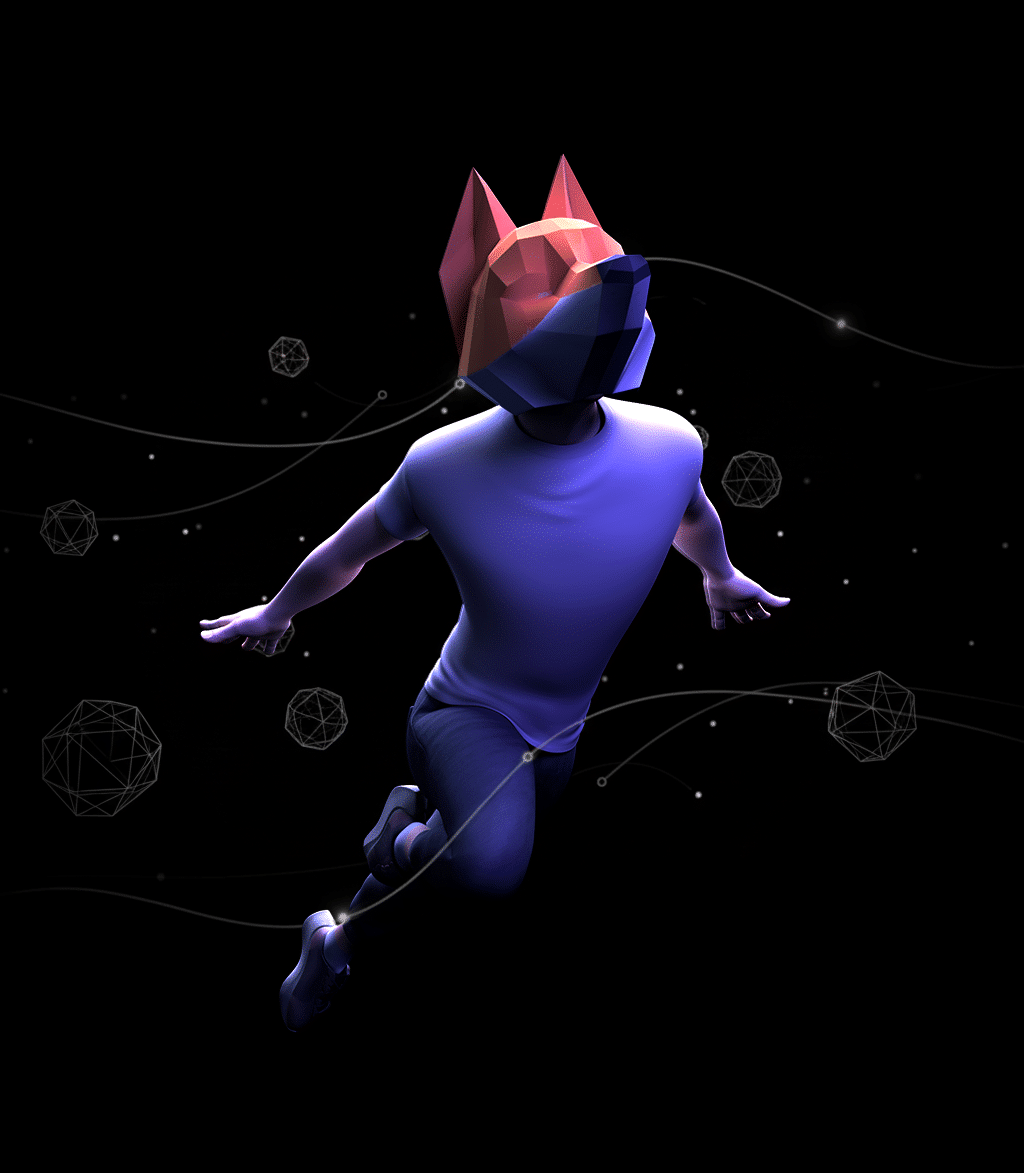
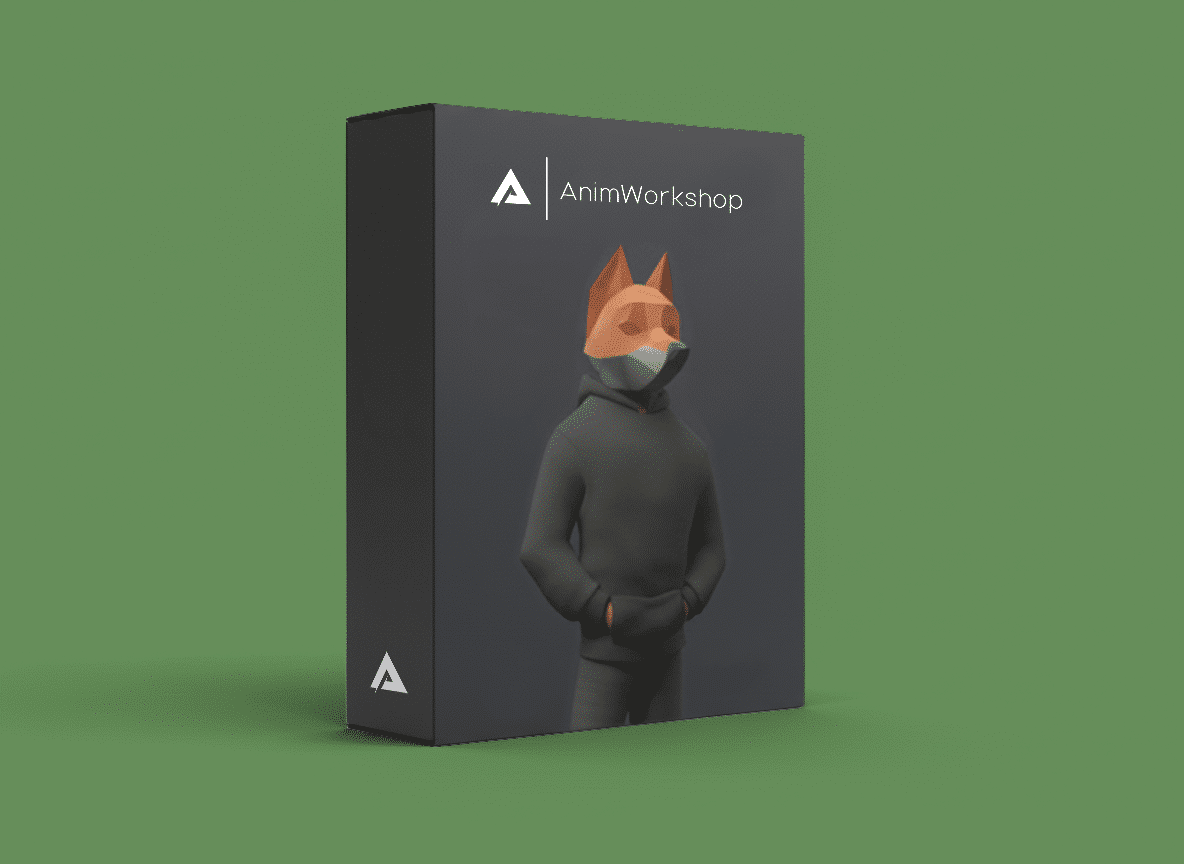
Master a professional workflow and take your animation to the next level with over 16 hours of hands-on training.

Animation Booster is not just another course: it is a training program designed to transform the way you animate and prepare you for the professional world. Through practical exercises, you will learn to apply the same techniques and workflows used in animation studios.
✅ Beginner/Intermediate Level.
✅ Practical exercises.
✅ Languages: Spanish / English (auto subs).
✅ Exclusive rigs included.
✅ 16 hours of video.
✅ Includes the Introduction to Maya course.

Course trailer

Why to take this course?

  • 1.

    You will learn a real workflow


    From blocking to polishing, and master a workflow that you can apply to any project.

  • 2.

    Improve the quality of your animations


    Perfect timing, spacing, arcs, overlaps and appeal through practical exercises to take your shots to the next level.

  • 3.

    Learn at your own pace


    Access the video content whenever you want and review it as many times as you need.

  • 4.

    Animate with professional level characters


    Rigs developed by Animworkshop, optimized to allow you to animate smoothly and efficiently.

  • 5.

    Introduction to MAYA


    Learn how to create shortcuts to speed up your workflow, how to import references into your scene and many other things that will help you in your day-to-day work.

  • Who should take this class?

    Students or beginners who want to build a solid and reliable foundation.

    If you already know the fundamentals of animation and feel it's time to take the next step, this course will give you the practical tools to structure your process from blocking to polishing.

    Intermediate animators determined to raise the quality of their shots.

    If you already have some experience but feel your animations aren’t quite where you want them to be, you’ll learn how to refine your workflow, make stronger artistic decisions, and see how our mentors do it.

    Material included

    incluye_booster_03b
    LEO

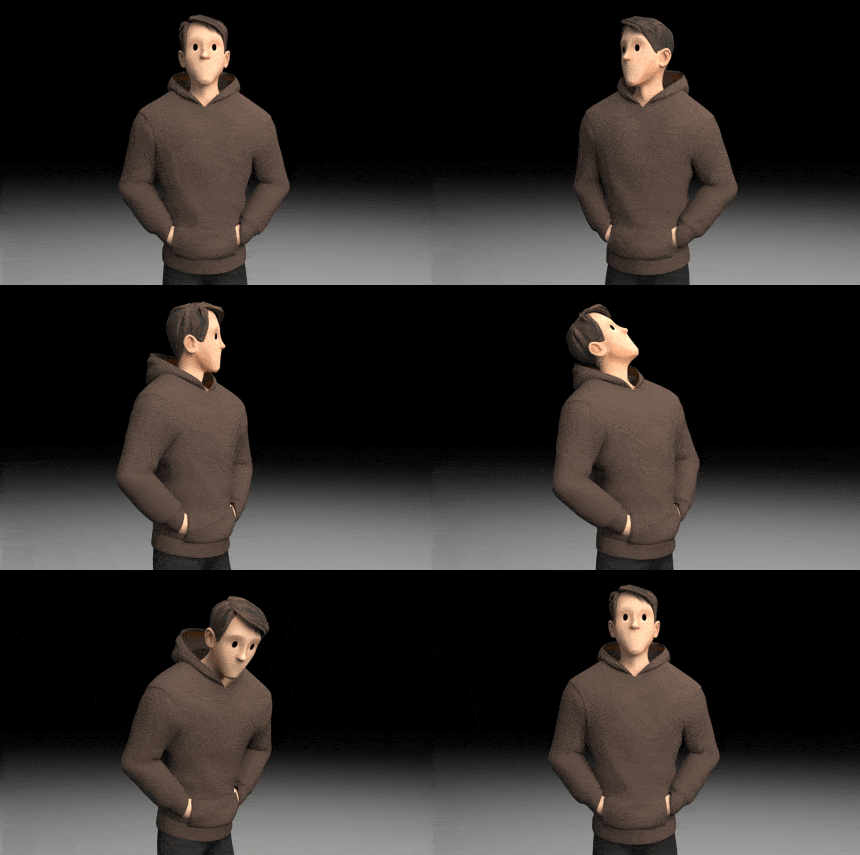
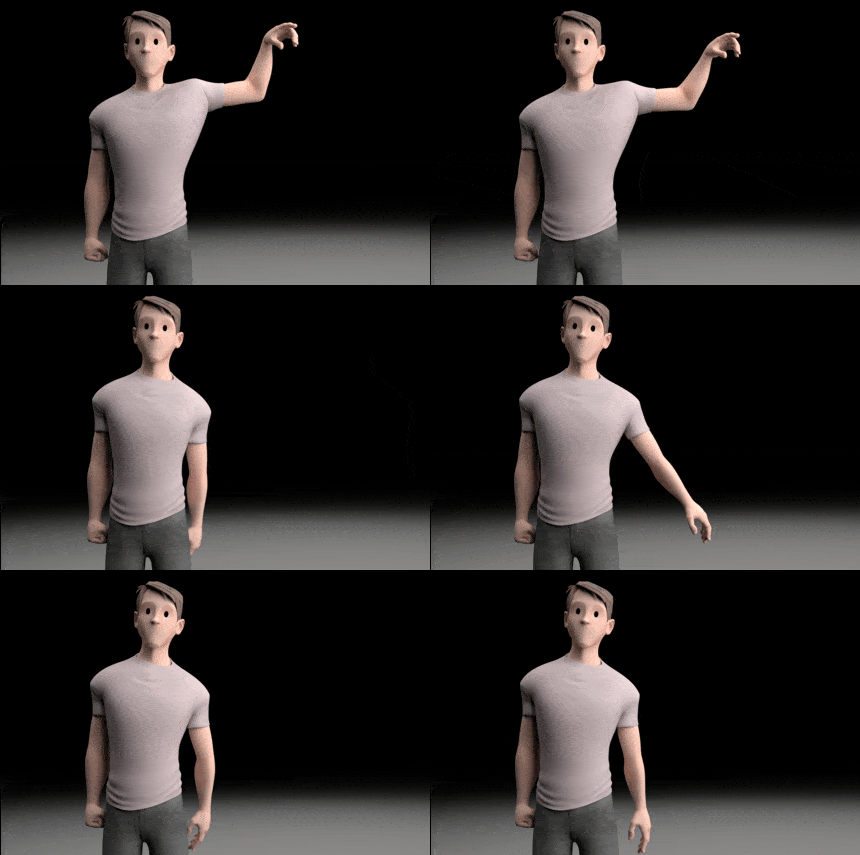
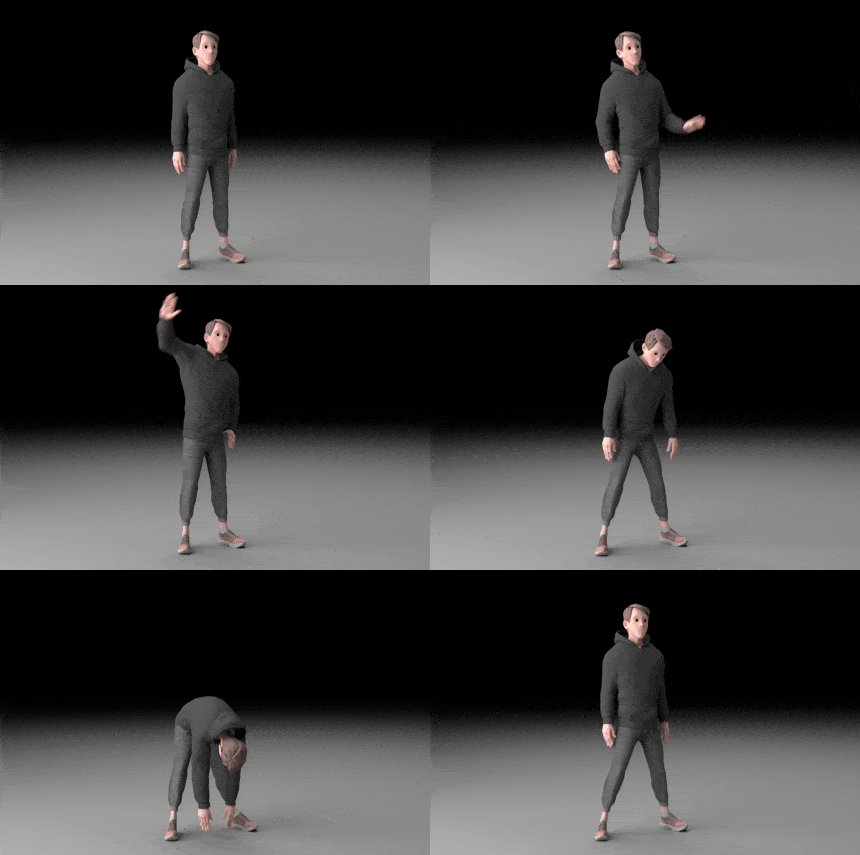
    Enjoy our exclusive LEO rig for advanced body mechanics. Included in the course pack with professional shaders and clothing variations.

    incluye_booster_02b
    NONO

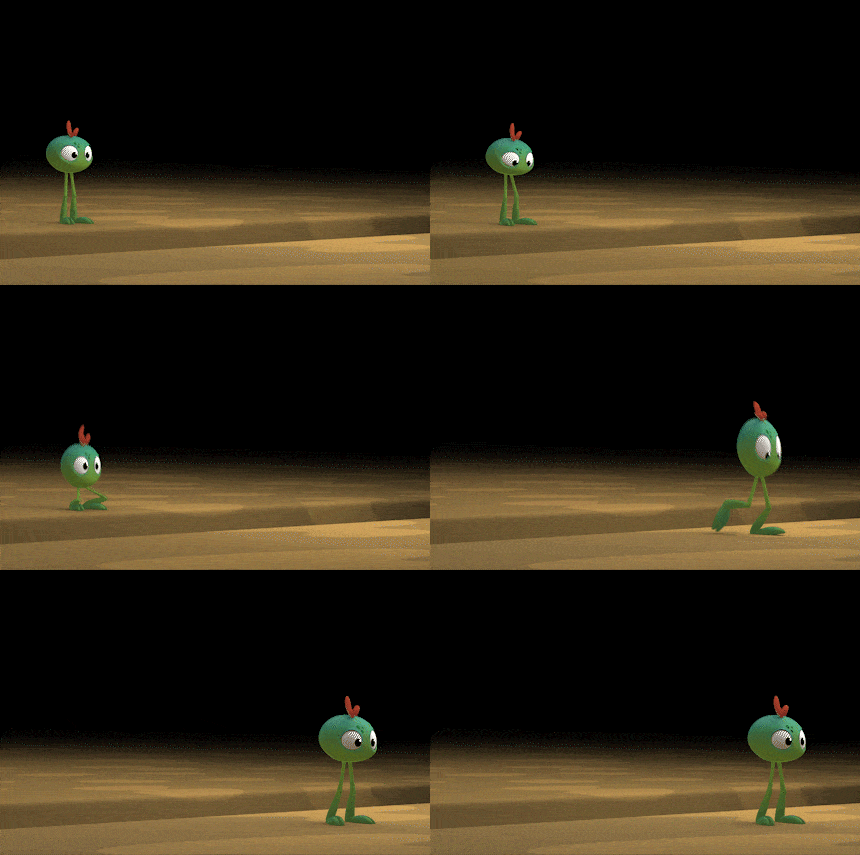
    Very funny character that you will enjoy animating. Included in the course pack to practice basic locomotion, including professional shaders!

    incluye_booster_01b
    MOOLI

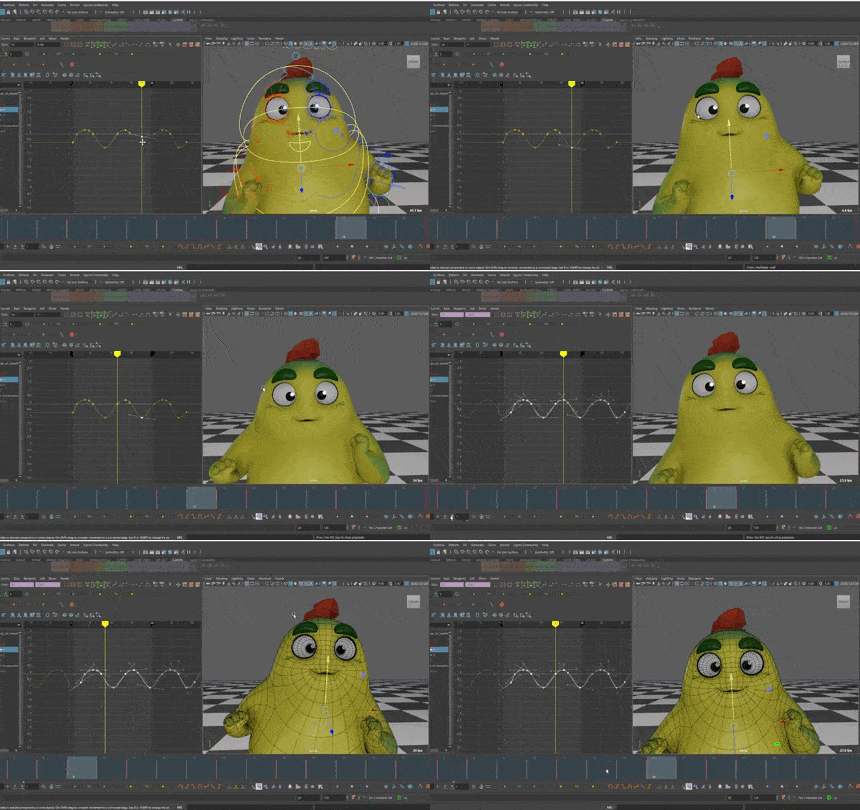
    One of our cutest characters , this rig is included in the course pack to practice the mechanics with him! Includes professional shaders.

    What will you learn?

  • Graph Editor

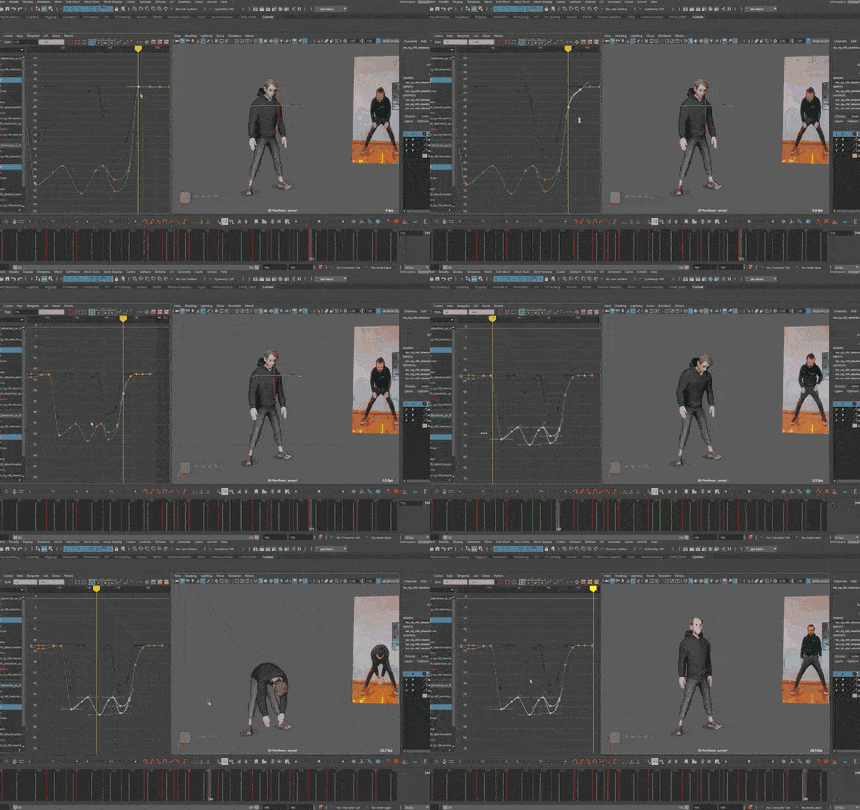
    Reinforce fundamental concepts and work with the Graph Editor efficiently for a more professional polish.

  • Professional workflow

    Learn the workflow of the best professionals in the industry and apply their work method to your drawings.

  • Body mechanics

    Take the next step in both body connectivity and character polishing and raise the bar on your animations.

  • Content

    Course Content

    00 Introduction to Maya
    01 – Introduction Presentation
    02 – Maya and workspace configuration
    03 – Animation basics: References, hotkeys, constraints…
    04 – UI for animation
    05 – Animbot
    06 – Basic Lighting
    07 – Shot Rendering
    08 – Character customization
    01 Posing
    01 – Introduction
    02 – Posing in Maya
    03 – Farewell
    02 Calisthenics
    01 – Introduction
    02 – Blocking
    03 – Blocking Spline
    04 – Refine Part 1
    05 – Refine Part 2
    06 – Polishing
    07 – Farewell
    03 Jump
    01 – Introduction
    02 – Reference
    1 of 3

    Highlights

  • Walk

  • Run

  • Weight shift

  • Spine connectivity

  • Arm drop

  • Calisthenics

  • Jump

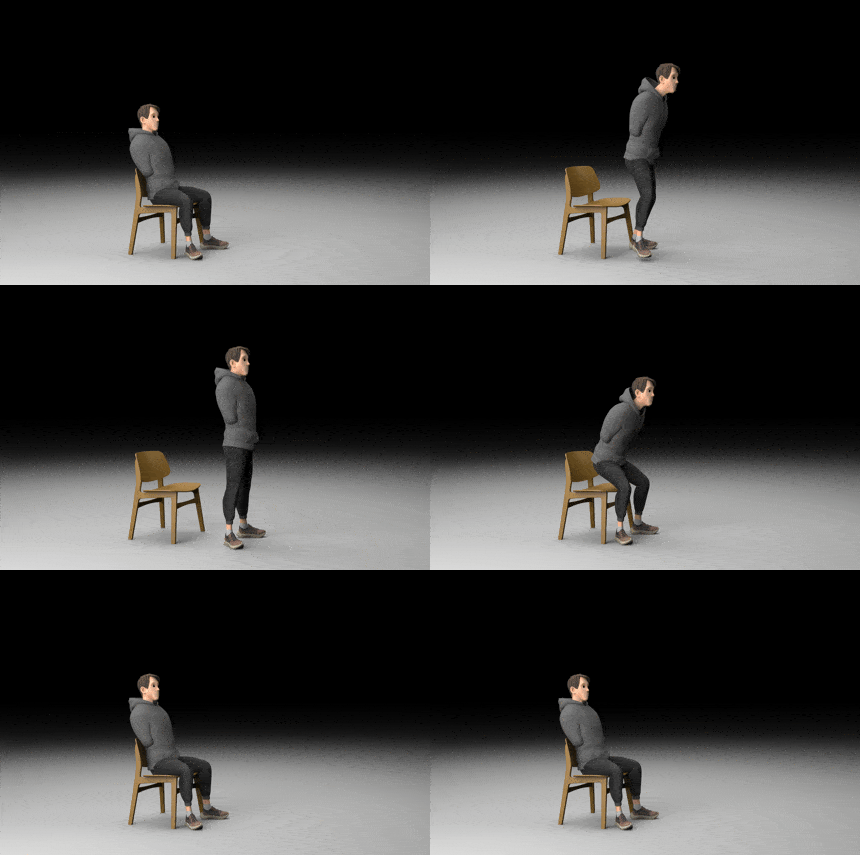
  • Stand up and sit down

  • Poses

  • Mentors

    Our mentors are active experts in the animation industry, carefully selected to provide you with a first class education.

    Screenshot

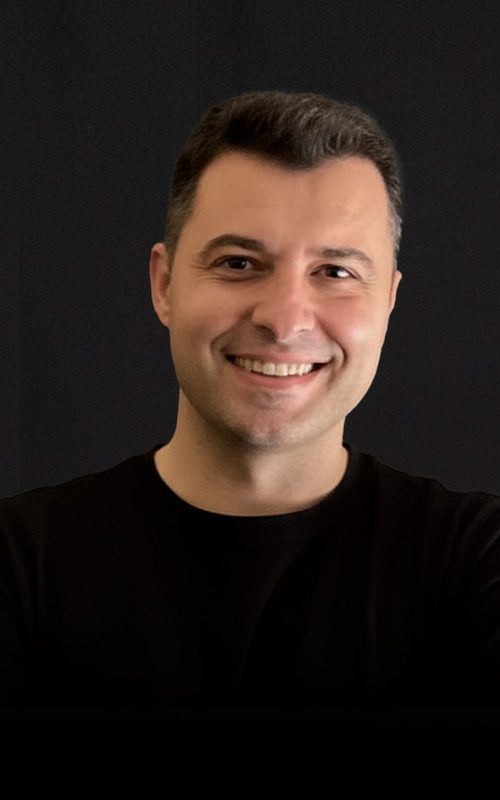
    Luis Velasco

    Luis has worked on projects such as Tadeo Jones 2, Super Mario Bros. (Netflix), Luck, Blush (Apple) or No Rest for the Wicked by Moon Studios.

    He is currently the Animation Supervisor of Tadeo Jones 4, and combines his professional work with more than 10 years as a teacher, teaching classes and training new generations of animators.

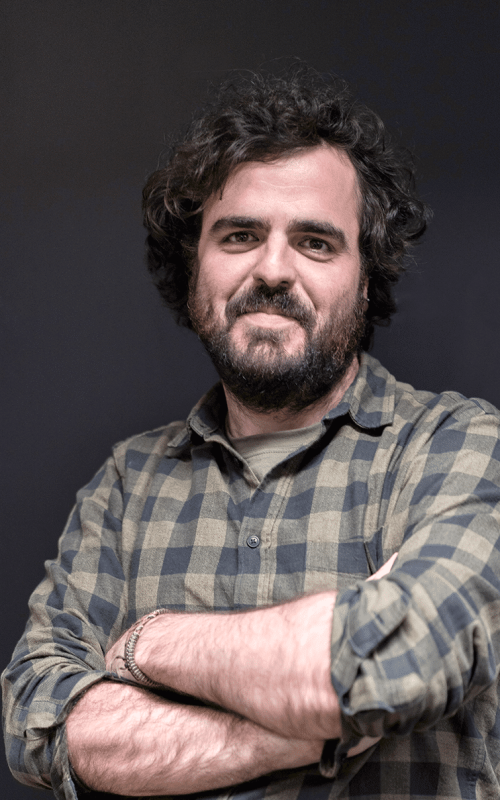
    Javi Neiro

    Javi is an artist animator and teacher with more than 14 years of experience. He has participated in films such as Wonder Park, Mortadelo y Filemón contra Jimmy el Cachondo , Monstertrucks, Ron goes wrong, Metegol, Spellbound and Tadeo Jones, working for studios such as MPC, DNEG, Skydance Animation and Ilion Animation Studios.

    prueba_Javi

    Necessary Software

    To perform all the exercises of Animation Booster you will need Autodesk Maya, the industry standard in 3D animation. It is the tool we will use throughout the course and with which you will be able to practice each exercise in a professional environment.

    Time is now

    Price

    399€

    Current Status

    Not Enrolled

    Price

    Free

    Get Started

    Other courses that may interest you

    Admisión

    Para asegurarnos de que vas a sacarle rendimiento al workshop necesitamos revisar tu demoreel y valorar tu nivel. Básicamente es ver que tienes controlados los principios de la animación y que tienes unas mecánicas lo suficientemente sólidas para que puedas afrontar el workshop con garantías.

    1 Envía tu Reel

    Revisaremos tu demo reel y evaluaremos si tienes el nivel necesario para sacar el máximo provecho al workshop y aprovechar al máximo cada fase del proceso.

    2 Feedback

    Tras nuestra evaluación, te daremos feedback detallado sobre tu reel. Si no te recomendamos realizar el workshop, podrás intentarlo más adelante en otra oportunidad.

    3 Reserva

    Si consideramos que puedes aprovechar plenamente el workshop, te indicaremos cómo reservar tu plaza. Podrás elegir entre nuestros tutores según tu preferencia.

    Admission

    To make sure that you are going to get the most out of the workshop we need to review your demoreel and assess your level. Basically it is to see that you have controlled the principles of animation and that you have enough solid mechanics to be able to face the workshop with guarantees.

    1 Submit your Reel

    We will review your demo reel and evaluate if you have the necessary level to get the most out of the workshop and make the most of each phase of the process.

    2 Feedback

    After our evaluation, we will give you detailed feedback on your reel. If we do not recommend you to take the workshop, you will be able to try again at a later time.

    3 Reserve

    If we think you can take full advantage of the workshop, we will let you know how to reserve your place. You will be able to choose among our mentors according to your preference.